

Back to plugins Install Plugin
Horizon Theme
Version 0.0.2
Overview
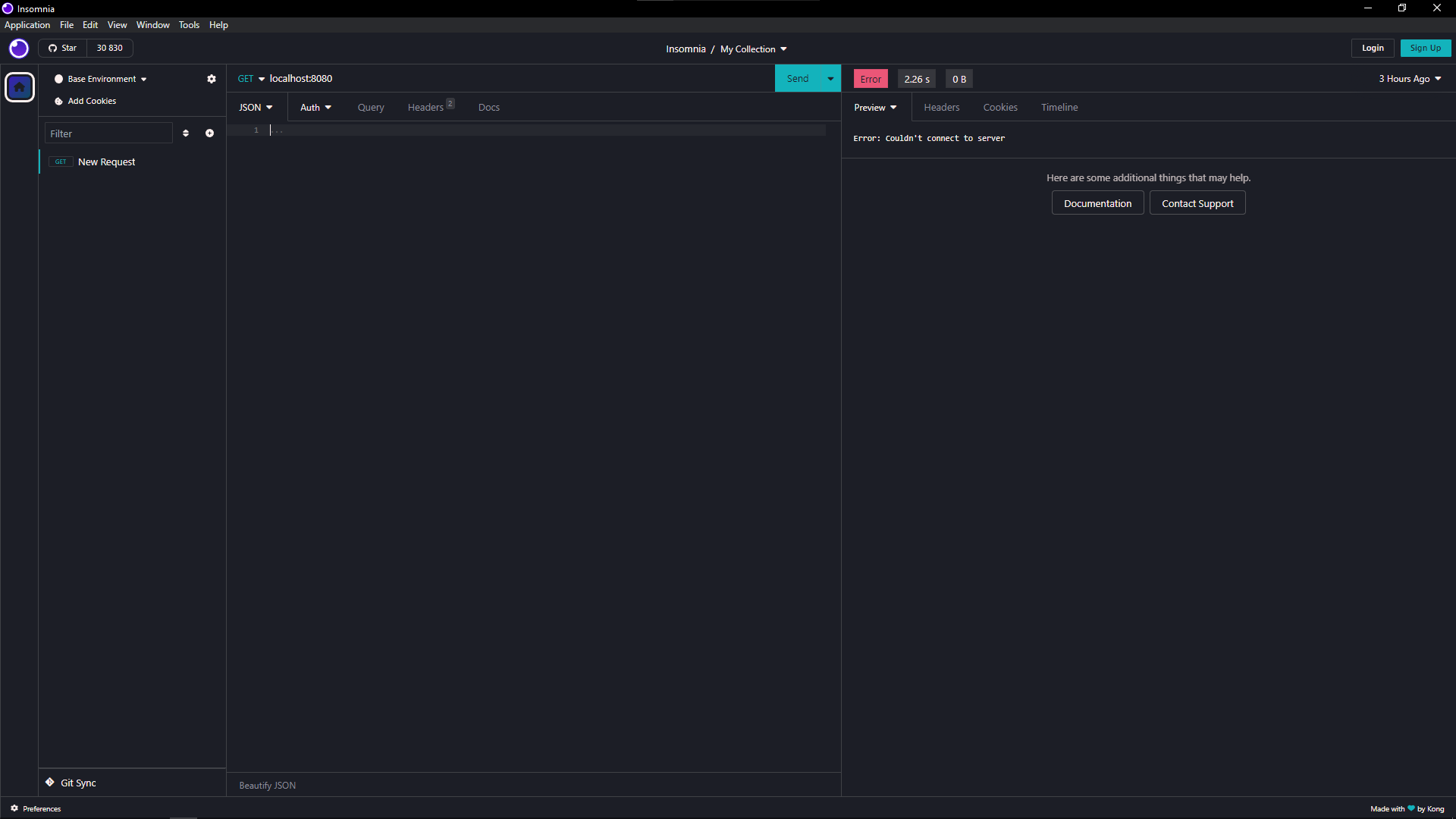
Based on Visual Studio Code Horizon theme. Link to site
Preview
Install
- Open Insomnia
- Open
Pluginstab inPreferences - Search
insomnia-plugin-horizon - Click on Install Plugin
- Apply theme from
Themestab